Full page screenshot of any website
Paste a URL. Get the entire page as one PNG. Nothing to install.
The image couldn’t load in this browser — the hosted link below may still work.
How to take a full page screenshot
You can capture a full page screenshot in three steps. There is nothing to scroll and nothing to piece together.
- 1.0
Paste the URL
Enter the address of any public page. Fullshot opens it in a real browser and waits for it to finish loading.
- 2.0
Pick a device
Choose desktop, mobile or tablet, then a screen size. Mobile and tablet work in portrait or landscape.
- 3.0
Copy the link
The capture comes back as one PNG on a hosted link. Most pages take 5 to 30 seconds.
What you get
| Capture | The entire page, top to bottom | rendered in a real browser |
|---|---|---|
| Devices | Desktop, mobile and tablet | iPhone 15, Pixel 8, Galaxy S24, iPad, Surface Pro and more |
| Sizes | Full HD, QHD, 4K or custom | portrait or landscape on mobile and tablet |
| Format | PNG | no watermark |
| Link | Hosted on cdn.fullshot.net | deleted after 7 days |
| Setup | Nothing to install | no extension, no app, no account |
| Price | 10 free captures a day | no card, no trial |
What a full page screen capture includes
A normal screenshot stops at the bottom of your screen. A full page screen capture keeps going to the end of the page. You get the header, the footer and everything between them in one image.
Many sites load images only when you scroll to them. Fullshot scrolls through the page first, so those images are in the picture too.
The page is captured in one pass, not as pieces joined together. Phones call this a scrolling screenshot, and the result is the same.
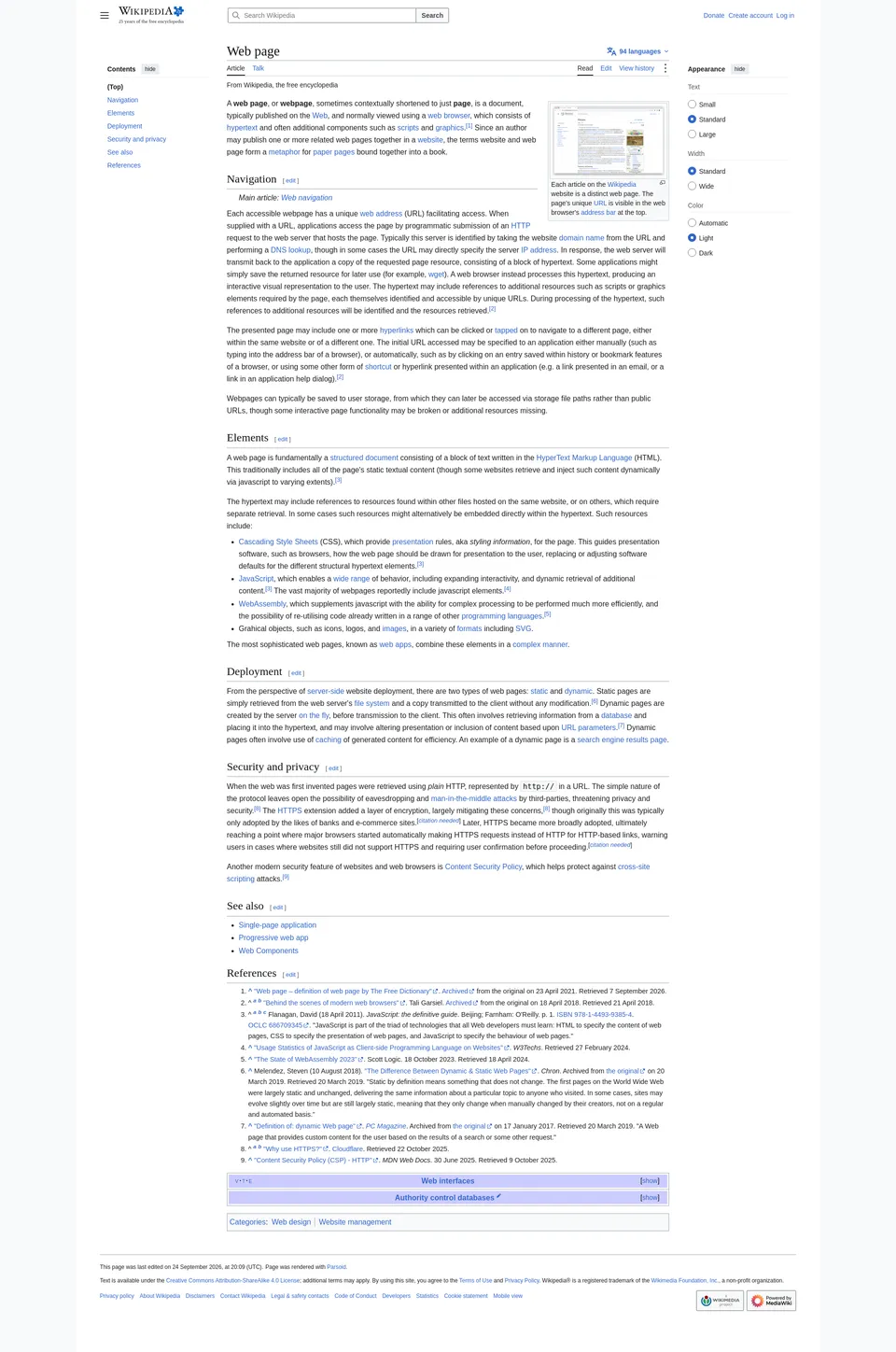
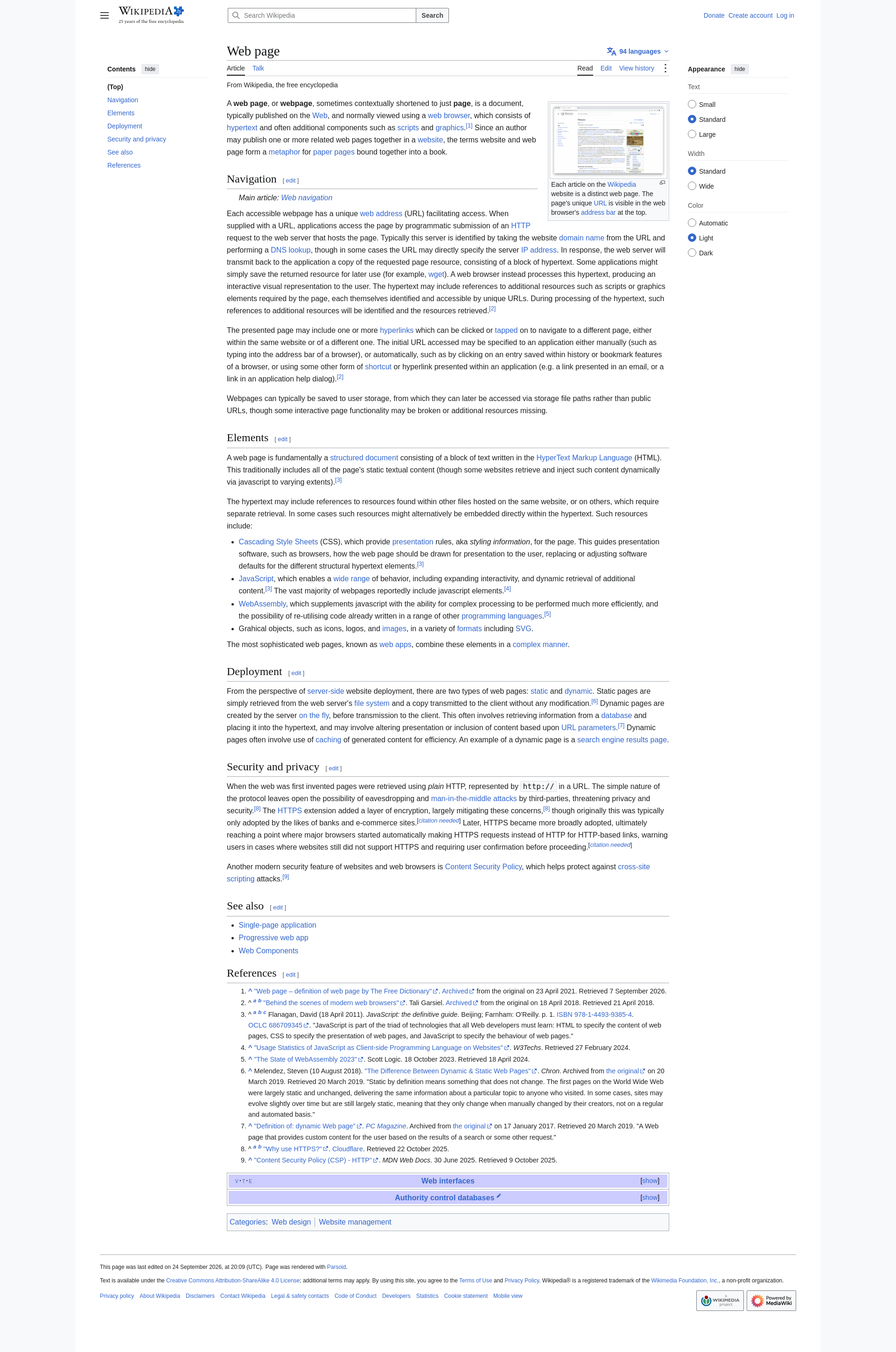
Screenshot an entire webpage without an extension
Most tools for this job are browser extensions. They have to be installed, and many work computers block them.
Fullshot runs on its own servers, so there is nothing to add to your browser. It works the same on a work laptop, a borrowed computer or a phone. The website screenshot page explains how a server capture differs from one on your own device.
You do not need an account either. Open this page, paste the address and take a complete page screenshot.
Desktop, mobile and tablet captures
The same address often looks different on a phone than on a laptop. Menus collapse, columns stack and images change size.
Pick a device to see the layout its visitors get. Mobile presets include iPhone 15, Pixel 8 and Galaxy S24. Tablet presets include iPad and Surface Pro.
Desktop sizes go from an HD laptop up to Full HD, QHD and 4K. You can also type a custom width and height.
A news site might show three columns at Full HD and one column on iPhone 15. Capture both and compare them.
Share the full page snapshot
Every capture is saved as a PNG on cdn.fullshot.net. You get a link that opens in any browser, with no account needed to view it.
The image has no watermark. Paste the link into an email, a chat or a ticket.
Links work for 7 days, then the file is deleted. Open the image and save it if you need it for longer.
Use cases
- Design reviews
- Capture the live page before a redesign starts. Keep the image as a reference for what changed.
- Bug reports
- Attach an entire page screenshot instead of five partial ones. The developer sees the problem in its context.
- Competitor research
- Save a competitor’s landing page as it looks today. Download the PNG to keep it, because the link expires after 7 days.
- Client approvals
- Send a client one link that shows the finished page from top to bottom. They can open it on any device and reply with comments.
FAQ
How do I take a full page screenshot without an extension?
Paste the page address into the form above and choose a device. Fullshot loads the page on its own servers and returns one PNG. Nothing is installed in your browser.
Does it capture the whole page or just the visible part?
The whole page. Fullshot scrolls from top to bottom before it captures. Content below the first screen is included, along with images that load late.
Can I take a full page screenshot on mobile view?
Yes. Choose Mobile, then a phone such as iPhone 15, Pixel 8 or Galaxy S24. The page loads at that screen size with a phone browser profile, in portrait or landscape.
What resolution is the full page screenshot?
The image is as wide as the screen size you choose, from 200 to 3840 pixels. Its height follows the length of the page. A very long page at the widest sizes can be too large to save, so choose a narrower size if that happens.
How long is the screenshot link valid?
For 7 days. After that the file is deleted and cannot be recovered. Save the PNG if you need it for longer.
Why does my capture look different from the live page?
Fullshot opens the page in a clean browser with no cookies, no saved login and no extensions. You may see a cookie banner or the logged-out version of the page. Animations and videos are captured at a single moment.
Are there pages Fullshot cannot capture?
Pages behind a login cannot be captured, because Fullshot cannot sign in for you. Sites with bot protection may block the request. Addresses on your own computer or network, such as localhost, do not work either.
Ten free captures a day. No account needed.
Capture a page